THE GIST OF IT
- Cash App is a financial platform for sending money, banking, saving, investing, and more—all in one app.
- Setting up an account is free and takes minutes. You'll need basic personal information and identity verification.
- Cash App Card is a customizable Visa debit card with no monthly fees. It works at places where Visa is accepted, including ATMs.
- Security features include 24/7 fraud monitoring, real-time alerts, card lock, security lock, and identity verification.
- Cash App partners with Sutton Bank and Wells Fargo, N.A., Members FDIC, to provide banking services. Cash App is not a bank.
What's the story behind Cash App?
Cash App is made by Block, Inc.—the same company behind Square. Square launched in 2009 to let anyone accept card payments using their phone. In 2013, Cash App launched to help people send and receive money.
What started as a way to pay friends has become a financial platform used by more than 59 million people. Cash App's mission is to redefine people's relationship with money by making it more relatable, instantly available, and accessible to everyone.
Cash App is focused on opening up financial access to more people, including historically underserved communities and a new generation looking for flexible ways to earn, spend, and save.
How does Cash App work?
Cash App is not a bank. Like many financial platforms, Cash App partners with FDIC-insured banks to provide banking services, including FDIC pass-through insurance when certain conditions are met.1
When you create a Cash App account, you get access to:
- A network of over 100 million Cash App customers for sending and receiving money
- Banking services through Cash App's partner banks
- A customizable Visa debit card
- Savings that earn interest2
- Stocks and bitcoin3
- Borrowing options
- Offers for instant discounts on everyday spending
How to set up a Cash App account
Creating an account is free and takes minutes.
- Download Cash App and sign up with your phone number or email. We'll send a confirmation code.
- Enter your full legal name and date of birth.
- Verify your identity. This is required to keep Cash App secure for everyone.
- Finalize your $cashtag, your unique name for getting paid. Share it with anyone who wants to send you money.
- Create a Cash PIN, a 4-digit code for logging in and withdrawing cash at ATMs.
You can also link an external bank account or debit card, order a Cash App Card, and sync your contacts to find people you know on Cash App.
How to move money on Cash App
Managing your money shouldn't be complicated. Whether you're getting paid, paying bills, or splitting dinner with friends, Cash App gives you multiple ways to move money in and out of your account.
Add money
- Direct deposit. Get your paycheck added to your Cash App balance up to two days early.
- Link a bank account, debit card, Apple Pay or Google Pay. Add money on a schedule or whenever your balance is low.
- Paper money deposit. Deposit cash at over 75,000 stores, including 7-Eleven, CVS, and Kroger.
- Scan checks. Add money directly to your Cash App balance with your phone.
- Link a credit card. Send money directly from a credit card for a 3% fee. The money goes straight to the recipient without adding to your balance first.
Withdraw money
- ATM. Withdraw cash with your Cash App Card and PIN.
- Cash App Card. Pay in stores or through digital wallets like Apple Pay and Google Pay.
- Account and routing number. Pay bills or make electronic transfers.
- Transfer to external accounts. Standard transfers are free. Instant transfers cost a fee.
Send and receive money
Millions use it for spotting friends extra cash, splitting bills like rent or bar and restaurant tabs, and even buying items from local sellers. Send money to anyone on Cash App using their $cashtag, phone number, or email. Tap Request when you need someone to pay you.
Ordering a Cash App Card
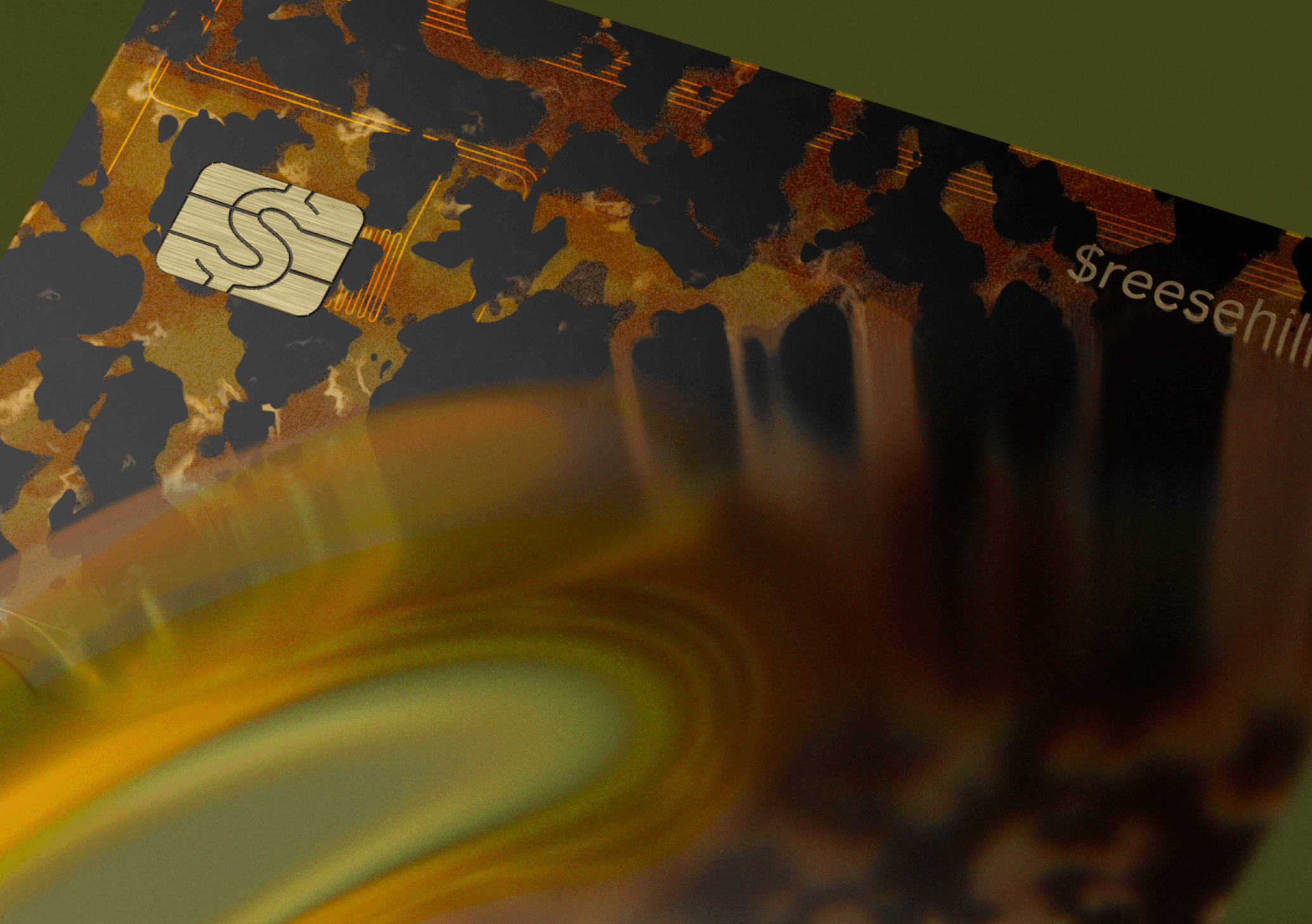
Cash App Card is a customizable Visa debit card with no monthly or hidden fees. Choose from classic, premium, or limited-edition designs, then add stamps, emojis, or drawings to make it yours.
Order in the app and get:
- A virtual card you can use to spend online and add to Apple Pay or Google Pay
- An account and routing number for setting up direct deposit
- A physical card shipped to your address. Scan the QR code to activate it when it arrives
Cash App Card works at places where Visa is accepted, including ATMs. Spend from your Cash App balance. If your balance is too low, the card declines; Cash App doesn't charge overdraft fees. There are no monthly maintenance fees or activity requirements.
What are Cash App's fees?
One of the biggest reasons people choose Cash App is our straightforward approach to fees. Cash App has no monthly maintenance fees, no minimum balance, and no fees to access your money. Here's what costs money and what doesn't.
Fee-free services
- Creating and maintaining your account: Free
- Sending and receiving money: Free
- Using savings and savings goals: Free
- Unlimited savings transfers: Free
- Standard bank transfers (1–3 business days): Free
- In-network ATM withdrawals (with Green status4): Free
Services with fees
- Credit card payments: 3% of transaction amount
- Foreign transactions (Cash App Card outside the U.S.): 3%
- Instant transfers to your bank: 0.5%–1.75% (minimum $0.25)
- Paper money deposits: $1 per deposit
- Out-of-network ATM withdrawals: $2.50 per transaction (ATM operator may charge additional fees)
How Cash App keeps your money safe
Cash App uses proactive security features to protect your account.
- Fraud prevention: 24/7 fraud detection monitors your account for suspicious activity
- Real-time notifications: Cash App asks you to confirm details only you'd know if something seems suspicious
- Card lock: Lock your card instantly in the app if it's lost or stolen
- Contact syncing: Helps protect your account from fraud. You can limit incoming requests to your contacts only.
- Security lock: Require your face, fingerprint, or PIN to move money or unlock the app
- Identity verification: Verifying your identity helps keep you and everyone on Cash App safe
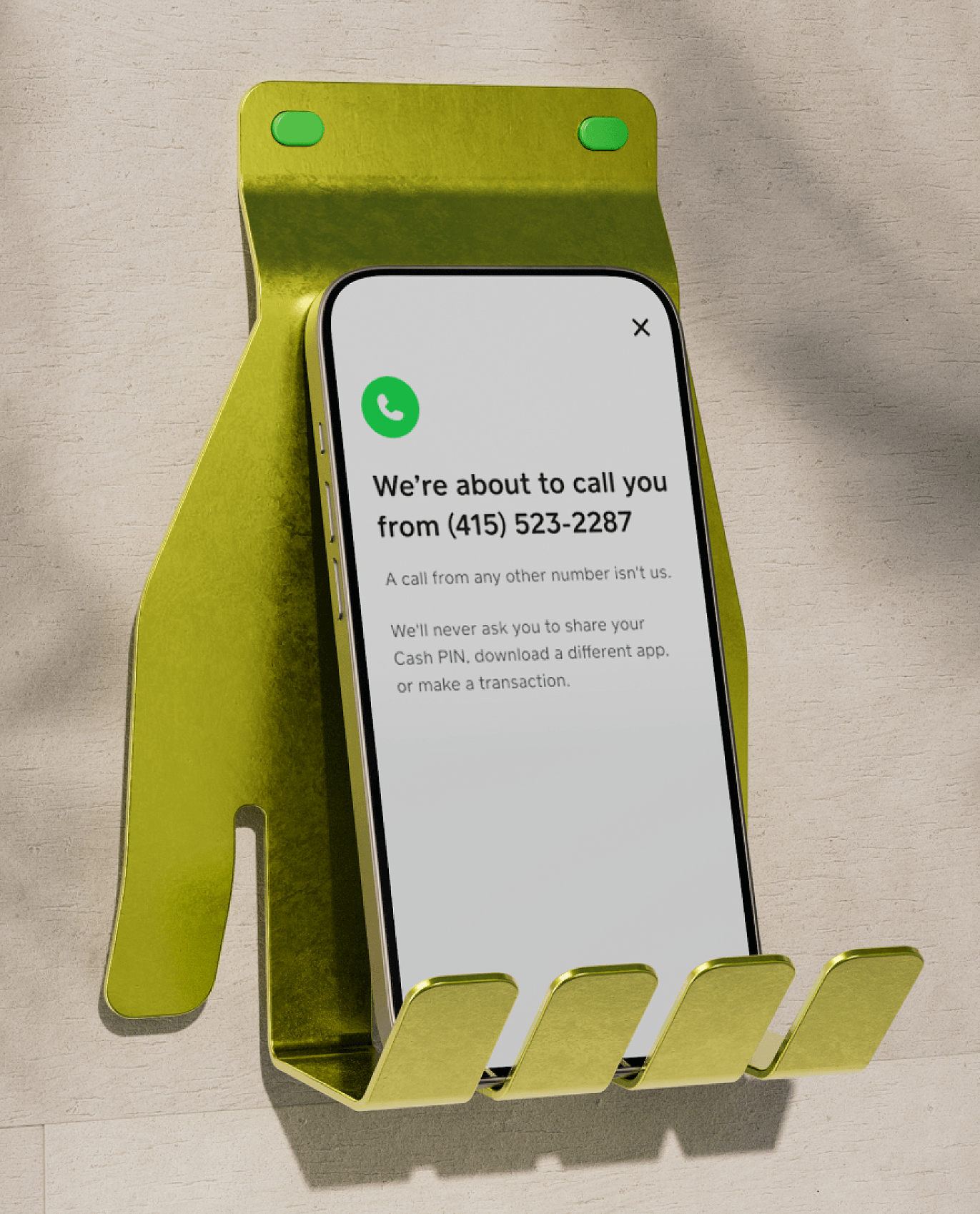
Cash App will never ask you to send money or verify information outside the app. Only pay people you know and trust, and turn on security lock to help prevent others from accessing your account.
What else can you do with Cash App?
While sending money and managing your daily expenses might be what brings you to Cash App, it's the additional financial tools that often keep people here. Beyond basic banking, you get access to savings accounts, investment options, lending services, and flexible payment solutions that would normally require multiple apps or bank visits.
Earn benefits with Green status
Spend at least $500 on you Cash App Card or direct deposit at least $300 each month to get free overdraft coverage,5 free in-network ATM withdrawals,4 a higher interest rate on savings,2 and more.
Manage money together
Give your kids and teens their own Cash App accounts that grow with them. Kids ages 6-126 start with a customizable debit card, automatic allowance, and savings that earn 3.5% interest.2
When they turn 13, their account evolves; they get more independence, can send money to friends, and access Cash App features like investing. You stay connected through the app, set spending limits, and watch them build real-world money skills from age 6 to 18.
Save
Start saving with no monthly fees and no minimum balance. Earn up to 3.5% interest2 on your savings.
Buy stocks or bitcoin3
Buy stocks with no commission fees, or buy bitcoin—starting with as little as $1.
Borrow
Get access to extra cash for a flat fee with no credit check.7
Pay over time with Cash App Afterpay
Pay over time for purchases. Choose Cash App Afterpay at checkout when you shop online or select eligible past Cash App Card purchases.8
Get started with Cash App
If this sounds like what you're looking for, getting started takes just a few minutes. Download Cash App, create your account, and discover how much simpler managing your money can be.