THE GIST OF IT
- Cash App managed accounts are for kids ages 6 to 12,1 opened and controlled by a parent or guardian.
- There are no hidden monthly fees and no minimum balance for the parent or the child.
- Kids earn interest on savings and get a fully customizable Cash App Card.2
- Parents set spending limits, choose trusted contacts, and can lock the card instantly.
- At 13, the account transitions to a sponsored teen account—no need to switch platforms.3
What is a Cash App managed account?
According to Cash App's Raising Gen Alpha study, 93% of parents say their Gen Alpha kids already receive their own money, whether through allowance, gifts, or side gigs. Kids are already handling money. What most of them don't have is a real place to put it where a parent can actually see what's happening.
A Cash App managed account is a financial account for children ages 6–12, opened and fully controlled by a sponsoring parent or guardian. It's different from a sponsored account, which is designed for teens ages 13–173 who get their own app access. With a managed account, the child has no independent access to Cash App—everything runs through the parent's account.
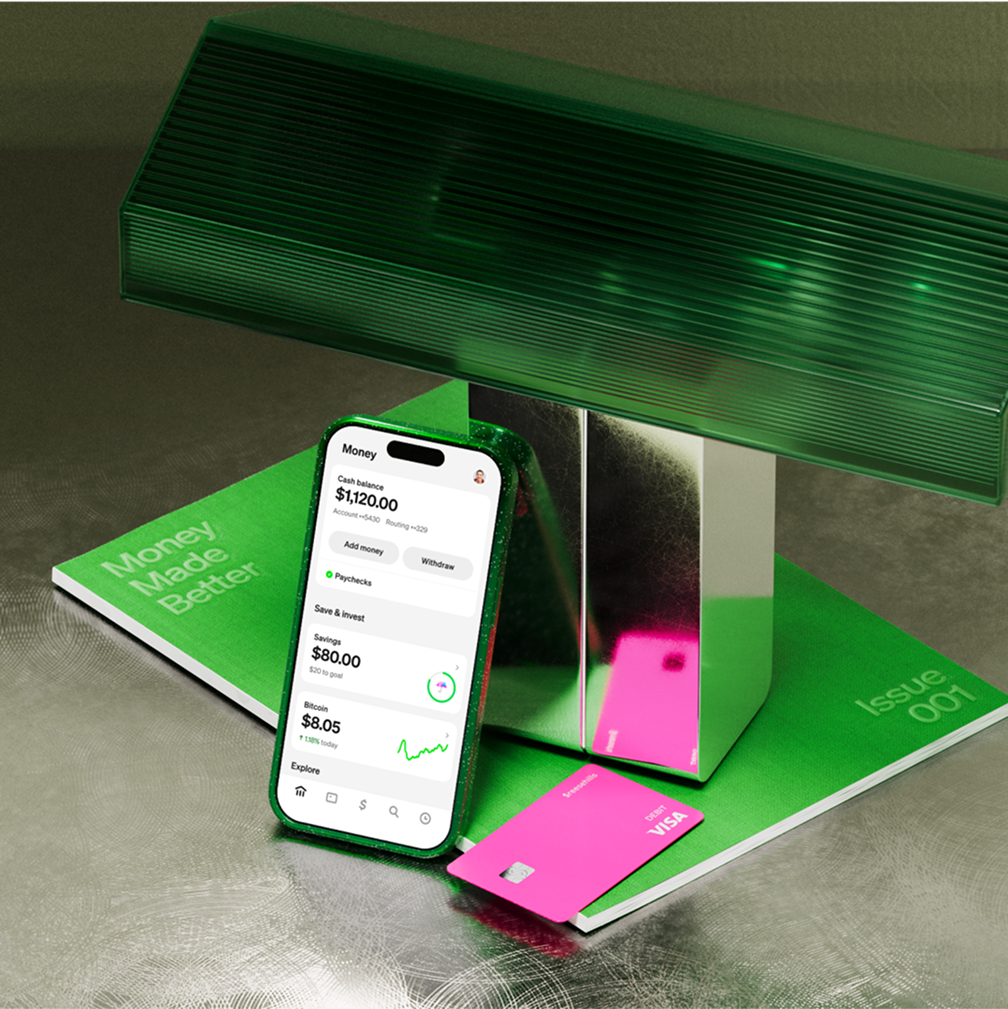
Cash App for kids includes a customizable Cash App Card, savings with interest, trusted contact restrictions (up to 5 approved senders), spending controls, and no hidden monthly fees. It gives kids a balance they can actually watch grow, and gives parents the visibility to feel good about it.
What parents can see and control
Most parents considering a managed account want to know one thing first: what can I actually see? Cash App shows you the balance, every transaction, and who sent money, all from the app you already have.
Spending limits
Parents control how much their child can spend each month. Set a limit that works for your family, and Cash App enforces it automatically.
Trusted contacts and who can send money
Cash App lets you add up to 5 trusted contacts—family members, grandparents, aunts and uncles—who are approved to send money to your child. No one outside that list can send funds to the account. And while your child can receive money from those trusted contacts, they won’t be able to send money to anyone.
The trusted contacts list is editable at any time. Add someone before a birthday, remove them after. You're in control of who has access.
Real-time notifications and card lock
Every transaction triggers a real-time notification on the parent's phone. You see what was purchased, where, and for how much as it happens. If something looks off, you can lock your child's Cash App Card instantly from the app. Unlock it when you're ready.
How kids save and earn interest2
Most kids who save are already doing it with cash in a drawer or coins in a jar. A Cash App managed account puts that money into a savings balance where it earns interest2 instead of sitting still.
Your child's savings balance earns 3.5% interest through Cash App's partner bank, with no minimum balance required. Interest is calculated daily and deposited monthly, so kids can watch their balance grow over time. There's no cap on how much they can keep in savings.
All funds in a managed account are eligible for FDIC pass-through insurance up to $250,000 through Cash App's partner bank, subject to terms4. You can learn more about how Cash App savings interest works here.
What happens when your child turns 133
When your child turns 13, their managed account transitions to a sponsored account for teens. The shift is straightforward and happens within Cash App, no switching platforms, no opening a new account somewhere else.
With a sponsored account for teens, your child gains their own Cash App access. They can open the app, send and receive money, and manage their balance. You remain the sponsor, which means you still have visibility into their activity and can set controls.
Everything carries over—the savings balance, the card, the history. Your child just gets more room to manage on their own. When they turn 18, they can move to their own account.
How to set up a managed account for your child
Getting started takes a few minutes. Here's how to set up a managed account for your child.
Step 1: Check your eligibility
You'll need an existing Cash App account. Your child must be between ages 6 and 12. You'll also need your child's full legal name and date of birth to complete the process.
Step 2: Open the Family Hub in Cash App
Open Cash App and go to the Family Hub on the Money tab. This is where you'll manage your child's account, view their balance, set controls, and add trusted contacts. Tap Add to begin the account setup process.
Step 3: Order and customize the Cash App Card
Once the account is set up, order a Cash App Card for your child. The card is a Visa® debit card, and your child gets to pick a design for it. The card arrives by mail, and spending is active as soon as you activate it.