THE GIST OF IT
- Scammers target the urgency that comes with juggling multiple income sources, not just carelessness.
- Four signals can help you recognize a scam before you act on it: unexpected contact, pressure to move fast, unusual payment requests, and asks for personal info.
- If you've already sent money, you still have options — starting with contacting the platform and filing a report with the FTC.
- Cash App offers Zero Fraud Liability* on unauthorized Cash App Card transactions, but no platform can reverse a payment you initiated from your account, even if you were misled.
- Free federal tools like IdentityTheft.gov and credit bureau freezes fill the gaps that no single app covers.
4 signs a message is a scam
Scam messages are sharper than they used to be. AI-generated texts don't have the typos that used to give them away, and spoofed numbers can match real companies. But the underlying patterns haven't changed much. Here are four signals worth memorizing.
1. Unexpected contact from someone claiming authority
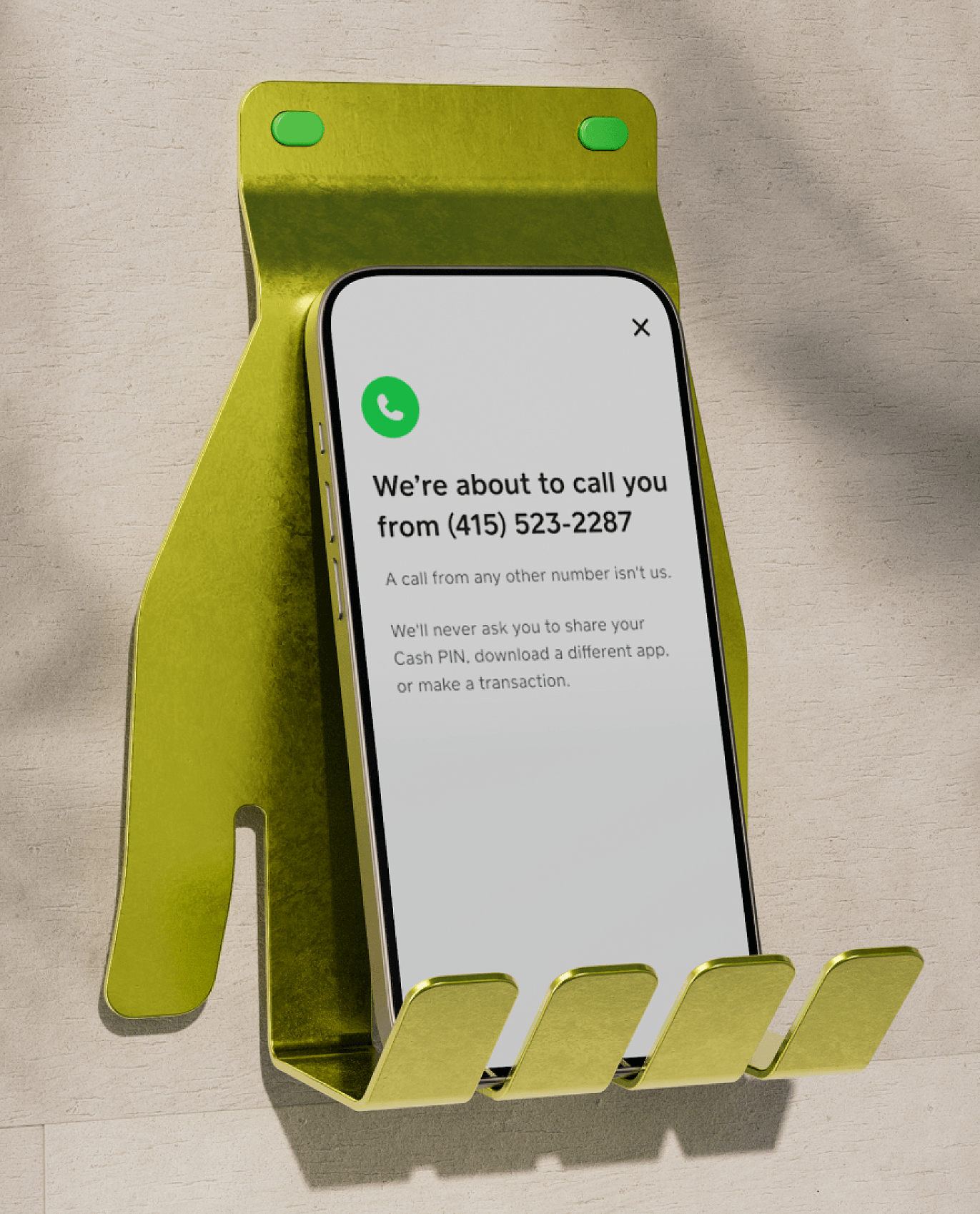
You get a text saying your account is locked — right after your direct deposit lands. The timing feels too specific to be fake. That's intentional. Scammers impersonate banks, government agencies, and payment platforms because authority shuts down your instinct to question things. The IRS, your bank, and your payment app will never call or text you out of the blue asking for account details. If something sounds too good to be true, a surprise refund, a prize you didn't enter, it's the same playbook in a different wrapper.
2. Pressure to act right now
When you're already stretching between gigs, urgency feels real. That's the point. Scammers use deadlines, threats, and limited-time offers because they need you to act before you think. A fake family emergency, an "overdue" bill, a prize that expires in an hour — all of these are designed to bypass the one habit that stops most scams: pausing.
3. Unusual payment method
No legit business asks you to settle a bill through gift cards, wire transfers, or cryptocurrency. These methods are hard to trace and nearly impossible to reverse, which is exactly why scammers prefer them. The same goes for sending money through a payment app to someone you've never met. If the payment method feels unusual for the situation, treat that as a signal.
4. Request for personal or login info
Your bank, your payment app, and the IRS will never ask for your password, PIN, or one-time sign-in code. If someone contacts you asking for that information — even if they say they're from a company you use — stop and reach out to that company directly using contact info from their official website. Scammers who get login credentials can drain accounts in minutes.
Scams that hit hardest when your income varies
Generic scam lists cover the basics, but they miss why certain scams are so effective when you're getting paid across multiple apps and platforms. When you're expecting deposits from several sources and moving money the moment it lands, scammers have more openings. Here are four to watch for.
Fake payment notifications
You're waiting on a real payment from a client, a gig platform, or a marketplace sale. A fake confirmation text or email arrives first, telling you the money is on the way — but you need to click a link or verify your account. Because you're actually expecting a deposit, the message doesn't trigger the usual skepticism. Before clicking anything, open the app or platform directly and check your balance there.
Overpayment and refund scams
Someone "accidentally" sends you more than they owe and asks you to return the difference. When cash flow is tight, an unexpected deposit can feel like relief rather than a red flag. The original payment is almost always fraudulent and gets reversed, leaving you out the money you sent back. If someone overpays you and asks for a refund through a different method, don't send anything until the original payment has fully cleared.
Job and gig offer scams
A freelance gig or remote job listing offers great pay, but you need to buy equipment, pay for training, or cash a check and forward part of it. When finding the next gig is a constant priority, the urgency is already built in — scammers don't have to manufacture it. Legitimate employers and clients don't ask you to spend money to start earning it. If an offer requires payment upfront, walk away.
Payment app impersonation
A message that looks like it's from your payment app says your account is at risk or a transaction needs verification. For people whose payment app is their primary financial hub — not a side tool — this hits differently. The instinct to protect access to your money is exactly what the scammer is counting on. When in doubt, close the message and open the app directly. Real alerts show up inside the app itself.
What to do right now if something feels off
When a message, call, or request doesn't sit right, you don't need a plan. You need a few immediate steps. These work whether you're dealing with a suspicious text, a too-good gig offer, or a payment request from someone you can't verify.
Pause before you send. Payment apps process transactions instantly — there's no undo button. If someone is pressuring you to act fast, that pressure is the clearest signal to slow down. A real opportunity, a real business, and a real emergency will all still be there in five minutes.
Check the source independently. Look up the company's real contact info separately. Don't use the phone number, email, or link in the message you received. Call the company directly or log in to the app through your usual method — not through any link someone sent you.
Lock your account. If you think someone may have accessed your information, lock things down immediately. When enabled, Cash App's Security Lock requires a passcode or biometric confirmation before any payment goes through. Most payment apps offer similar features — turn them on now if you haven't already.
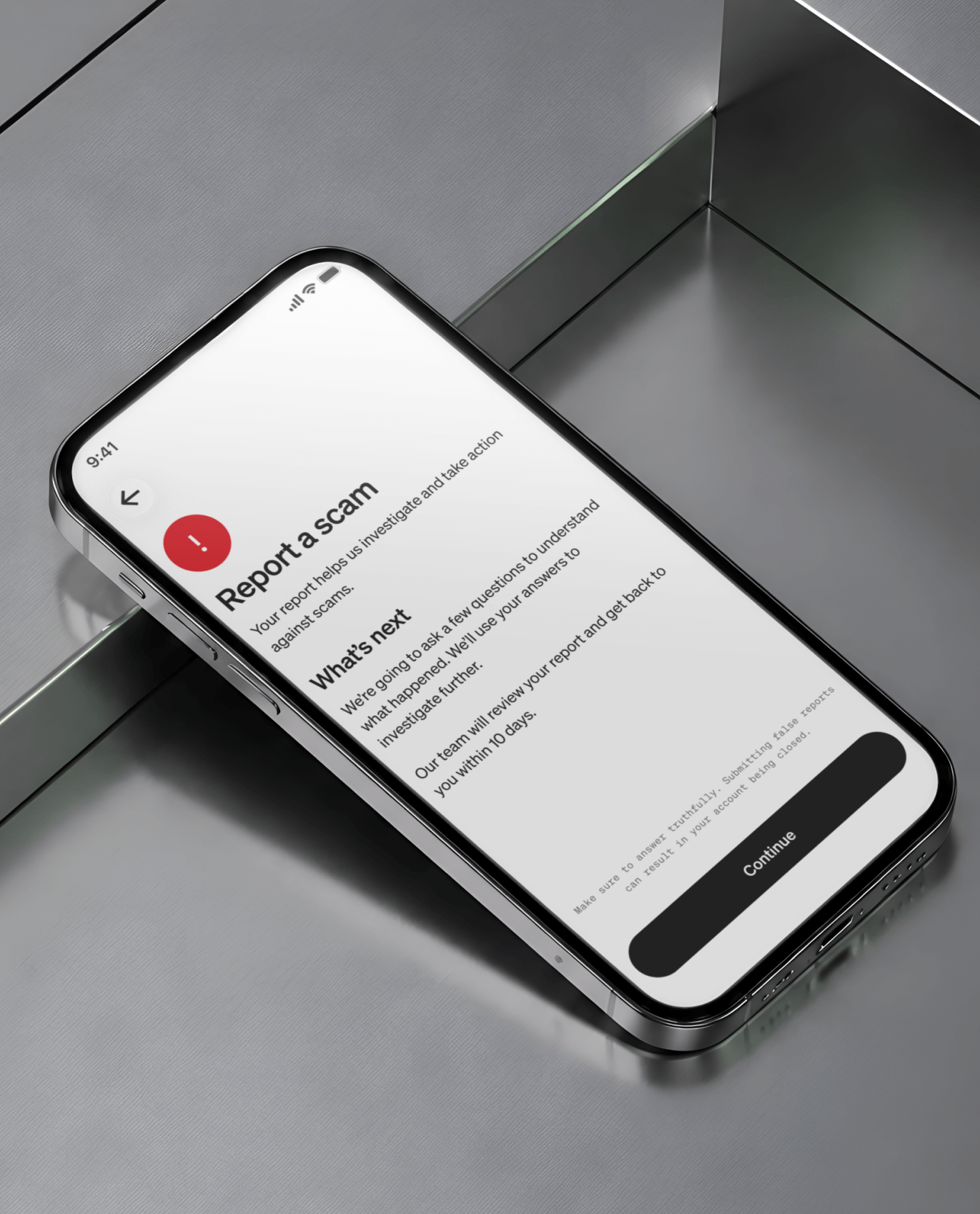
Screenshot everything. Before you block or delete a suspicious message, save the evidence. Screenshots of the conversation, the sender's info, and any links or payment requests will be useful if you need to file a report.
Cash App also sends real-time alerts by text or email after every transaction, and when a new device logs in to your account. These alerts are one of the fastest ways to catch something you didn't authorize. And remember: Cash App support will never ask for your sign-in code. Anyone who does is not from Cash App.
What to do if you've already sent money
If you've already sent a payment to someone you now suspect is a scammer, you still have options. Move fast, but don't panic.
Contact the payment platform immediately. Report the transaction through the app's support or dispute process. Cash App offers Zero Fraud Liability* on unauthorized Cash App Card transactions reported within 60 days. Be aware that P2P payments you authorized yourself are harder to reverse on any platform — this isn't unique to Cash App. It's how peer-to-peer payments work across the board.
File a report. Report the scam at ReportFraud.ftc.gov. You can also submit a complaint through the CFPB's complaint portal. These reports help federal agencies track scam patterns and, in some cases, take enforcement action. If your losses are significant, contact local law enforcement as well.
Freeze what you can. Change your passwords, enable Security Lock if you haven't, and lock your Cash App Card from inside the app. If you shared personal information like your Social Security number, consider placing a free credit freeze with Equifax, Experian, and TransUnion. Credit freezes are free by law and block new accounts from being opened in your name.
Cash App's Security Lock and real-time alerts are built to catch unauthorized activity before it becomes a problem. But the strongest protection is the pause before you send. Set up Security Lock now.