THE GIST OF IT
- Managed accounts (ages 6 to 12)1 limit contact to up to 5 people you approve, with no app access for your child.
- Sponsored accounts (ages 13 to 17)2 give your teen their own app access while you stay connected with transaction alerts and spending limits.
- Balances are eligible for FDIC passthrough insurance up to $250,000 through Cash App's partner banks, subject to terms,3 with no hidden monthly fees and no minimum balance.
- No app replaces a parent-teen conversation about money, strangers, and social pressure around payments.
How Cash App helps protect kids and teens before you change a single setting
Cash App builds protection into every account for anyone under 18 from the moment it's created. Both managed accounts (ages 6 to 12) and sponsored accounts (ages 13 to 17) start with the same core protections every Cash App account has: encryption, fraud monitoring, and eligibility for FDIC passthrough insurance through our partner banks covering balances up to $250,000, subject to terms.3 From there, we layer on parental controls—trusted contact lists, real-time transaction alerts, spending limits—that let you tailor the oversight to your comfort level.
These aren't optional add-ons. They're built in from the start. Parental controls let you tailor the oversight to your comfort level, but our security protections help keep the account protected whether you use those controls or not. Learn more about how we keep families safe.
What a managed account looks like for kids ages 6 to 121
A managed account for kids is exactly what it sounds like. You manage everything. Your child doesn't get app access, and every interaction with the account goes through you.
You choose up to 5 trusted contacts who can send money to your child. Payment attempts from anyone outside that list don't go through. This is the default, not a setting you have to remember to turn on.
Your child gets a customizable Cash App Card you can set spending limits on. They can use it at places where Visa is accepted, and you decide the boundaries. If your child is buying lunch at school or picking up supplies, the card works within the limits you've set. If a purchase exceeds those limits, it's declined.
Savings with interest4 helps your child's balance grow. You can set up automatic allowances so money arrives on a schedule, and Round Ups put spare change from card purchases into savings automatically. For kids who are already saving toward something specific, these tools give the habit a real structure.
Managed accounts have no hidden monthly fees and no minimum balance. You're in control of every contact, every dollar, and every transaction.
What a sponsored account looks like for teens ages 13 to 172
A sponsored account for teens gives your teen their own app access under your oversight. You set it up as the sponsor, you can approve the initial contacts, and you stay connected to the account while they use it day to day.
Real-time transaction alerts notify you whenever money moves. You can see your teen's balance at any time. If something feels off, you can lock the Cash App Card instantly from your own app.
Spend limits let you set boundaries on how much your teen spends. You control whether they can buy bitcoin or stocks.5 When someone new tries to contact your teen on Cash App, you get a notification so you can review it.
The key difference between a sponsored account and the open adult app: you set this account up, you stay connected to it, and the guardrails are there from day one. Your teen gets real independence with real money, and you get the information to stay involved without hovering.
How Cash App family accounts handle common scams
Scams targeting young people on payment platforms are a real concern. Cash App family accounts include protections tailored specifically to the risks kids and teens face.
On managed accounts, strangers can't reach your child. Kids can only receive money, and only from the trusted contacts you've approved. There's no way for anyone outside that list to send a payment request or initiate contact.
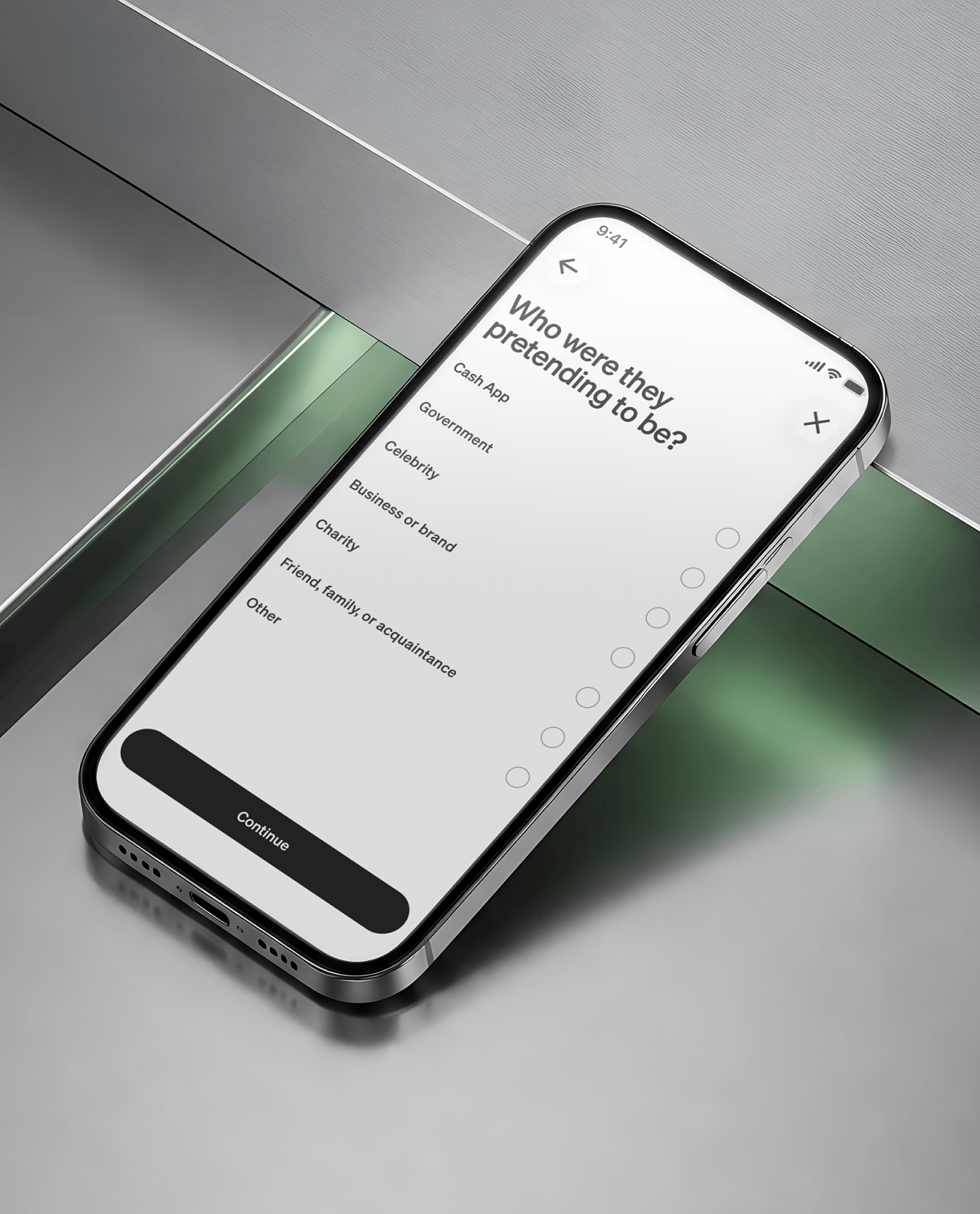
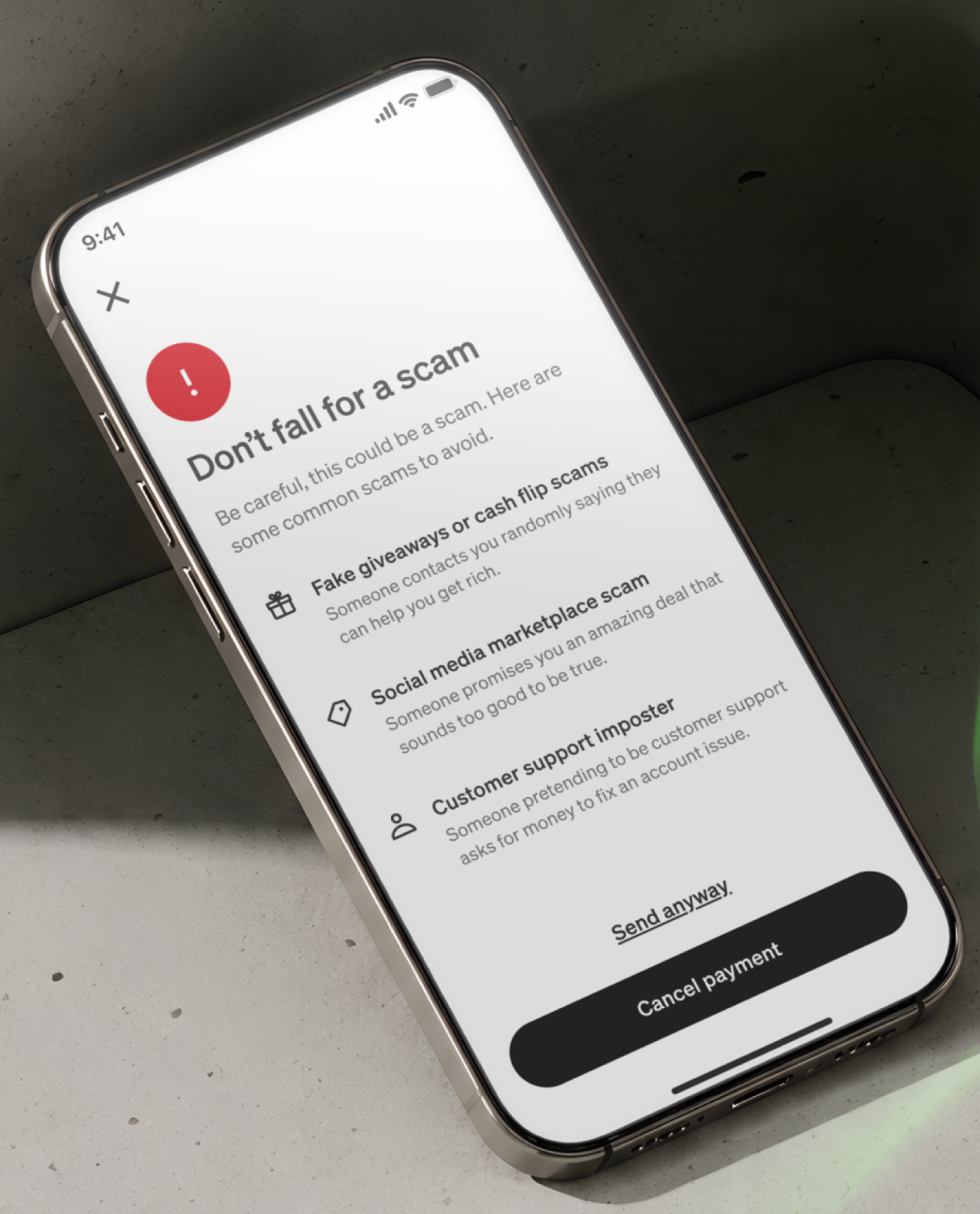
On sponsored accounts, the guardrails work on multiple levels. New-contact notifications let you review who's reaching out. You can block and report accounts directly. Behind the scenes, Cash App's approach to teen safety includes proactive detection that flags suspicious activity, machine learning models that identify scam patterns before they reach your teen, and automated blocks on accounts that exhibit fraudulent behavior. If a payment request looks like a known scam—fake giveaways, money flipping, phishing attempts—the system can help stop it before your teen ever sees it.
What teens should know: if someone they don't recognize sends a payment request, or offers to "flip" a small payment into a larger one, that's not legitimate. The best response is to ignore it, block the account, and talk to you about it. The conversation you have with your teen matters more than any setting. The account structure makes it easier to have that conversation because you can point to real features: "If someone new contacts you, I'll see it. If something looks off, we'll deal with it together." No app replaces that dialogue, but the tools give it something concrete to build on.