THE GIST OF IT
- Giveaway scams use urgency and timing to catch people when money is tight. Pattern recognition is more reliable than instinct.
- Any sweepstakes that asks for payment, your password, or your sign-in code is a scam, no exceptions.
- Check the source before you engage: search for the giveaway on the company's verified accounts and look for published official rules.
- If you fell for a giveaway scam, report it to the platform and the FTC, change your passwords, and monitor your accounts for unauthorized activity.
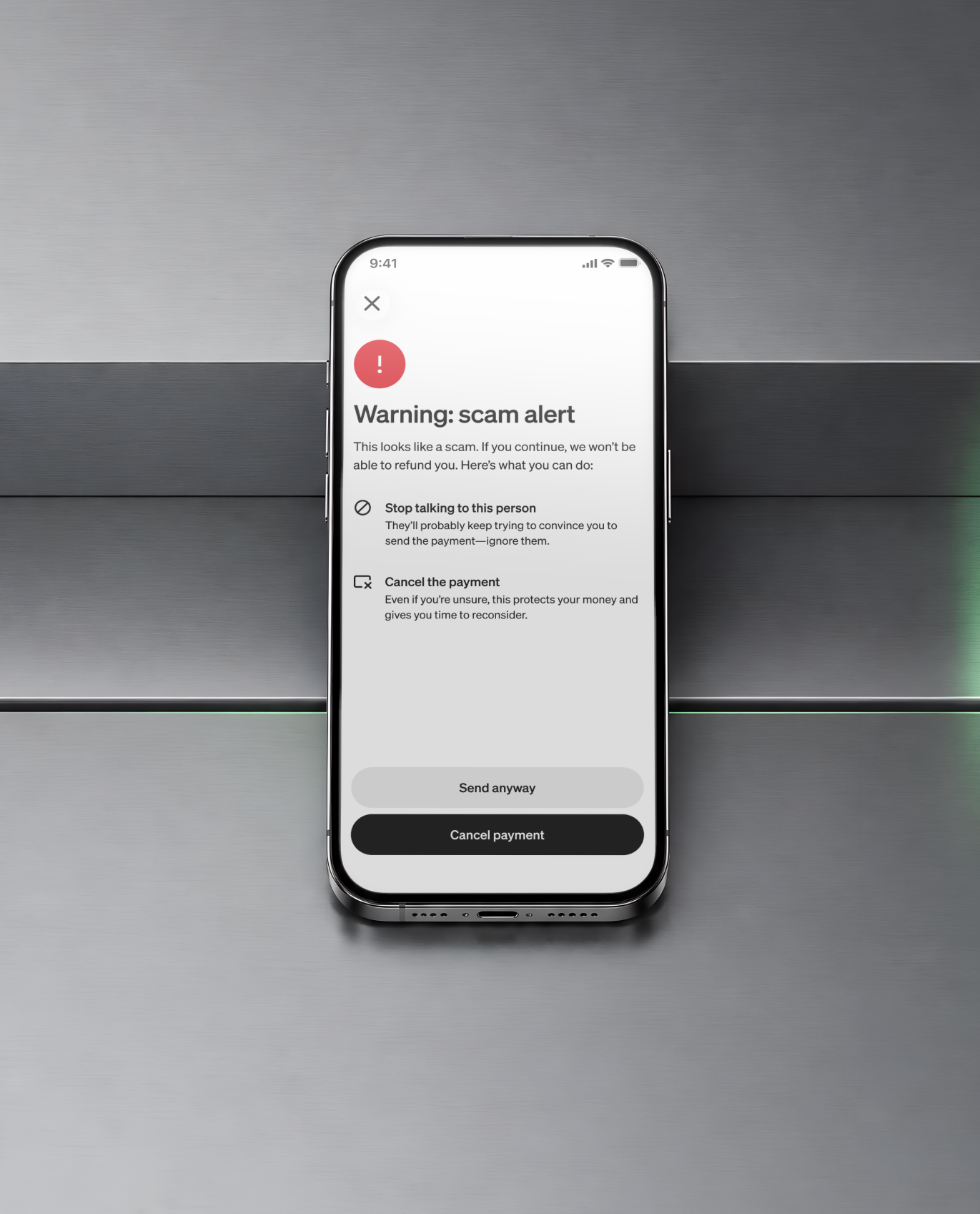
- Turn on Security Lock, account notifications, and instant card lock on your payment apps to add a step before money moves.
What is a giveaway scam?
A giveaway scam is any scheme that uses the promise of a free prize (cash, a phone, a car, cryptocurrency) to collect your personal information, your money, or both. The prize doesn't exist. The goal is to get you to hand over something real in exchange for something fake.
When someone engages, they might give up their name, email, phone number, or sign-in credentials through a form or a spoofed website. In some cases, you send money, like a "processing fee" or "shipping charge," that goes straight to the scammer. Sometimes clicking a link installs software on your device that tracks what you type. The fallout can include drained accounts, identity theft, or follow-up scams that use the info you already gave away.
Legitimate sweepstakes have rules. In the U.S., sweepstakes that require payment to enter are illegal. If a giveaway asks you to pay anything, it isn't real.
What are the most common types of giveaway scams?
Giveaway scams follow a handful of repeatable patterns. When you can name the pattern, you can spot it faster.
The survey trap. A post or ad promises cash for completing a short survey. The survey harvests your personal information: name, address, phone number, sometimes your Social Security number. There's no payout. For more on how these work, see survey scams.
The impersonation scam. Scammers create fake social media profiles or build websites that mimic real brands. The URL might be one character off — "cash.ap" instead of "cash.app" — or the profile might use a brand's logo with a slightly different handle. Everything looks official until you check the details. Impersonation scams are especially common on social media platforms.
The "processing fee" scam. You're told you've won, but you need to pay a fee to claim your prize. It might be called a "processing charge," a "tax payment," or a "shipping cost." Any sweepstakes that requires payment is a scam, full stop.
The DM winner notification. You get a direct message saying you've won a contest. The catch: you never entered one. Real giveaways don't notify winners through unsolicited DMs from unverified accounts.
The crypto giveaway. A post or livestream promises to double your cryptocurrency if you send a small amount first. These scams often impersonate public figures or tech companies. No one is doubling your bitcoin. Once you send crypto, it's gone.
How do you tell if a sweepstakes is legit?
When you're waiting on a direct deposit that hasn't cleared yet and a $500 prize could cover next week's groceries, the pull to engage is real. Scammers know this. They design giveaway scams to hit when the promise of free money feels most plausible. Instead of asking "does this feel right?" (a question scammers have already accounted for), check these specific patterns.
- You have to pay to enter or claim a prize. Legitimate sweepstakes never require payment. If there's a fee, it's a scam.
- You "won" something you never entered. If you don't remember signing up, you didn't win. Scammers cast wide nets, hoping you'll assume you forgot.
- The website URL is slightly off. Scammers build sites that look right but have small differences in the address: a missing letter, an extra word, a different domain extension. Always check the full URL before entering any information.
- They ask for sensitive info. Real giveaways don't need your password, PIN, sign-in code, Social Security number, or bank account details. If a form asks for credentials, close it.
- There's pressure to act now. "Claim within 24 hours or lose your prize" is a manufactured deadline. Real sweepstakes give winners reasonable time to respond.
- The post has bot-like engagement. Look at the comments. If they're all generic ("OMG I won too!" with no real profile behind them), the engagement is fake and so is the giveaway.
- There are no terms and conditions. Legitimate sweepstakes in the U.S. are required to publish official rules. No rules, no real giveaway.
- The writing is off. Sloppy spelling, awkward phrasing, and inconsistent branding are signs the post didn't come from the company it claims to represent.
How to avoid giveaway scams
Spotting a scam is step one. Building habits that keep you from engaging with one in the first place is what sticks.
Check the source
Before you tap anything, verify where the giveaway is actually coming from. If it arrived in a DM from an account you don't recognize, or through a link in a text from an unknown number, treat it as suspicious.
Search for the giveaway yourself. Go directly to the company's website or verified social media accounts. If you can't find it there, it doesn't exist.
Cash App only announces giveaways on its official website (cash.app) or through verified accounts:
- Instagram: @CashApp
- X (Twitter): @CashApp
- TikTok: @CashApp
- Twitch: twitch.tv/CashApp
- Reddit: u/CashAppAndi
If you receive a giveaway email claiming to be from Cash App, check the sender's address. Legitimate emails come from addresses ending in @square.com, @squareup.com, or @cash.app.
Pause before you tap
Real giveaways never ask you to send money to enter. They don't request your password, PIN, or sign-in code. If a giveaway is asking for something you wouldn't hand to a stranger on the street, don't hand it over online.
Take 60 seconds. Search the company name plus "giveaway" or "scam." Check whether the account is verified. Look at when it was created. Scam accounts are usually days or weeks old, not years.
Set up your security tools
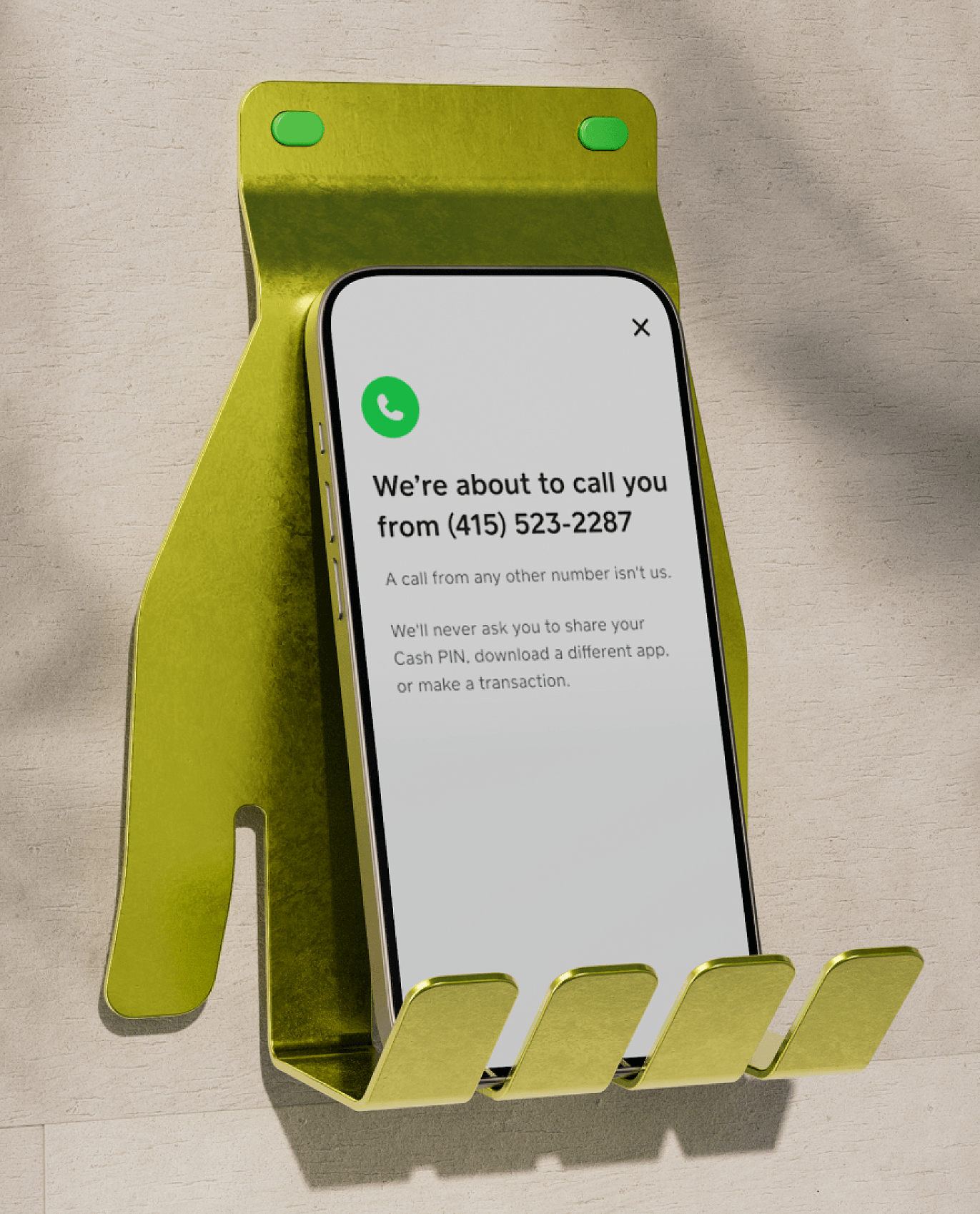
Most payment apps have built-in security features. Turn them on and leave them on.
- Security Lock: Require your fingerprint, face, or PIN before sending money. This adds a pause before any payment goes through.
- Account notifications: Turn on push, email, and text alerts for account activity so you see anything unexpected right away.
- Instant card lock: If something looks wrong, lock your card from the app to stop transactions immediately.
Use a unique password for each financial and social media account. If a scammer gets one password, they shouldn't get access to everything else.
What should you do if you fell for a giveaway scam?
Scammers succeed because their timing is good, not because the people they reach are careless. If you engaged with a fake giveaway, here's how to take back control.
- Report the scam. If you were scammed on social media, report the account on that platform. If you sent money through a payment app or bank, contact their support team. Include any details you have: usernames, screenshots, transaction records. You can also report it to the FTC.
- Change your passwords. Update the passwords for any accounts connected to information you shared, including email, social media, and financial apps. If you clicked a link from the scam, change your most sensitive passwords first.
- Watch your accounts. Check your bank and payment app activity for transactions you don't recognize. The faster you flag something, the better your chances of getting it reversed. If you spot an unauthorized transaction on a payment app, report it. Many apps, including Cash App, have reimbursement policies for unauthorized activity reported within their specified timeframe.
- Contact your bank. If you shared your account number, Social Security number, or bank login info, call your bank or credit card company. They can add fraud alerts, freeze your credit, or issue new account numbers.
- Run a security scan on your device. If you clicked a link from a fake giveaway, scan your phone or computer. Some scam links install software that tracks your keystrokes or monitors your activity — a security scan can find and remove it.