How to avoid scams on Facebook & social media

In 2025, social media was the costliest fraud contact method, with reported losses reaching $2.1 billion — an eightfold increase since 2020, according to the FTC. The numbers are big, but the plays are repetitive. Once you can read them, many scams share warning signs that make it easy to spot before they cost you anything.

BY CASH APPAug 4, 2026
8MIN READ TIME

THE GIST OF IT

  • Social media scams use fake trust signals like follower counts and verified-looking badges to get you to send money or share personal info.
  • The most common types include giveaway scams, money flips, marketplace fraud, fake sponsorship DMs, and AI-generated profiles.
  • Scammers almost always create urgency ("act now") and try to move the conversation off-platform, where there's no record and no support.
  • The best defense is recognizing the pattern before you respond, not avoiding social media altogether.
  • If you've already sent money, report it immediately to the platform, your payment provider, and the FTC.

What is a social media scam?

A social media scam is any scheme that uses platforms like Facebook, Instagram, TikTok, or X to trick you into sending money, sharing personal information, or downloading something that compromises your accounts. What makes social media different from email or phone scams is that the platforms themselves create built-in trust signals (follower counts, mutual connections, verified badges) and scammers know how to use all of them.

Most social media scams involve either a fake opportunity (a giveaway, a job, a money flip) or a fake person (impersonation, romance, AI-generated profiles). Some combine both. Marketplace fraud, for example, pairs a fake buyer or seller with a too-good-to-be-true offer to set up a fraudulent transaction. The mechanics change, but the underlying play is the same: borrow the platform's credibility and move fast enough that you act before you think.

Common social media scams

Giveaway and sweepstakes scams

Scammers create accounts that look like real companies, post fake giveaways using popular hashtags, and wait. To "enter," you need to pay a fee, share login credentials, or download an app that gives them access to your accounts. Real giveaways don't charge entry fees and never ask for passwords. (For a deeper look at how fake giveaways work, including email and text versions, see our full breakdown.) For any official Cash App giveaway, you never need to pay to participate, and Cash App will never ask for your login code.

Cash flip scams

The setup: someone messages you claiming they can double or triple your money. They post screenshots of large bank balances and luxury purchases as "proof." If you send a small amount, say $20, they might actually send you back $40. That's the hook. The real ask comes next: send $200, $500, or more. Once you send the larger amount, they disappear. (We cover the full mechanics in our money flip scam guide.) The initial "flip" was an investment in gaining your trust. That's why these scams work: the first transaction is real, which makes the second one feel safe.

Marketplace and reseller scams

If you sell things on Facebook Marketplace, OfferUp, or Mercari to make extra money, you're on both sides of this one. As a buyer, the play is simple: unrealistically low prices, pressure to pay off-platform (where there's no buyer protection), and items that never arrive. As a seller, it's more creative. A buyer "accidentally" overpays and asks you to send back the difference, except their original payment bounces. Or they send a check that clears initially and then reverses days later, after you've already shipped the item. The common thread: any time someone pushes the transaction off the platform's payment system, you lose every layer of protection that system provides.

Instagram scams

Instagram's visual format makes product scams more convincing than on text-heavy platforms. A polished storefront with product photos, reviews, and a professional bio looks indistinguishable from a real small business until you've already paid for something that never arrives. Creators and freelancers also get fake sponsorship DMs: a "brand" offers a paid collaboration, sends a contract, and asks for your payment details to "set up direct deposit" for your fee. The sponsorship doesn't exist. Investment and crypto pitches show up in DMs too, usually with screenshots of returns and a time-limited "opportunity."

TikTok scams

TikTok's algorithm is built for discovery, which means it's also built for amplification. Scam content reaches the people most likely to engage with it. If you're searching for side-hustle ideas, freelance tips, or income strategies, you're exactly who these videos target. Common formats: "passive income" tutorials that require an upfront "course" fee, crypto promotions from accounts that disappear after a week, and duet or stitch bait where engaging with the video drives you to a link that harvests your information. The play works because the content looks like the real financial advice surrounding it.

AI and deepfake scams

AI tools have made it possible to create fake profiles that pass as real people, complete with generated photos, realistic conversation patterns, and even cloned voices. A deepfake is a video or audio clip generated by AI to look and sound like a specific person. You've probably seen celebrity "endorsements" of investment products or giveaways that look real at first glance. They work because we instinctively trust video more than text. Seeing someone say something feels like proof in a way that reading it doesn't. Some scams that start on social media follow up with a phone call using a cloned voice of someone you know. If a request for money comes with a "call to confirm" that still feels off, verify through a separate channel. Text or call the person directly using a number you already have.

Romance and impersonation scams

Romance scams typically start with a friend request or DM from someone you don't know, then gradually build a relationship over weeks or months before the first ask for money. These are sophisticated, long-running operations, and they're outside the scope of what we cover here. If you or someone you know is dealing with a romance scam, the FTC and FBI's Internet Crime Complaint Center have dedicated resources and trained investigators. Impersonation scams move faster. Someone poses as a friend, family member, or company support account and sends an urgent request. The fix is the same: verify through a separate channel before you respond.

How to read the play

Scams look different on every platform, but the underlying patterns repeat:

  • Urgency or pressure to act fast. "This offer expires in 1 hour" or "someone else is already interested" are designed to bypass your judgment. Legitimate opportunities don't evaporate because you took a day to think.
  • Requests to move off-platform. Once the conversation moves to a private text, email, or messaging app, there's no record for the platform's support team to review. That's the point.
  • Payment before delivery. Requests for gift cards, wire transfers, or P2P payments before you've received anything are the clearest signal. Legitimate sellers and employers don't ask you to pay to get paid.
  • New or thin profiles. Few posts, a recent creation date, stock-looking photos, and a follower count that doesn't match the account's claimed influence. Reverse image search the profile photo if something feels off.
  • "Guaranteed" returns or deals that seem unrealistically good. No legitimate investment or business opportunity guarantees specific returns, and underpriced goods on marketplace platforms are bait more often than bargains.

Noticing these patterns is the skill, and it sharpens fast once you know what to look for.

What to do if you've been scammed

If you've sent money or shared personal information with a scammer, start with these steps:

  1. Stop contact and report the profile. Block the account and report it on the platform. You may be able to prevent the scammer from reaching more people.
  2. Contact your payment provider. If you sent money through a bank, payment app, or credit card, report it immediately. Some providers can help recover or reimburse funds, especially if the scammer hasn't withdrawn the money yet. Be aware that P2P payments work like cash. Once the recipient withdraws the funds, reimbursement may not be possible.
  3. Change your passwords. Update the password on the compromised account and on any other account where you used the same password. Turn on two-factor authentication if you haven't already.
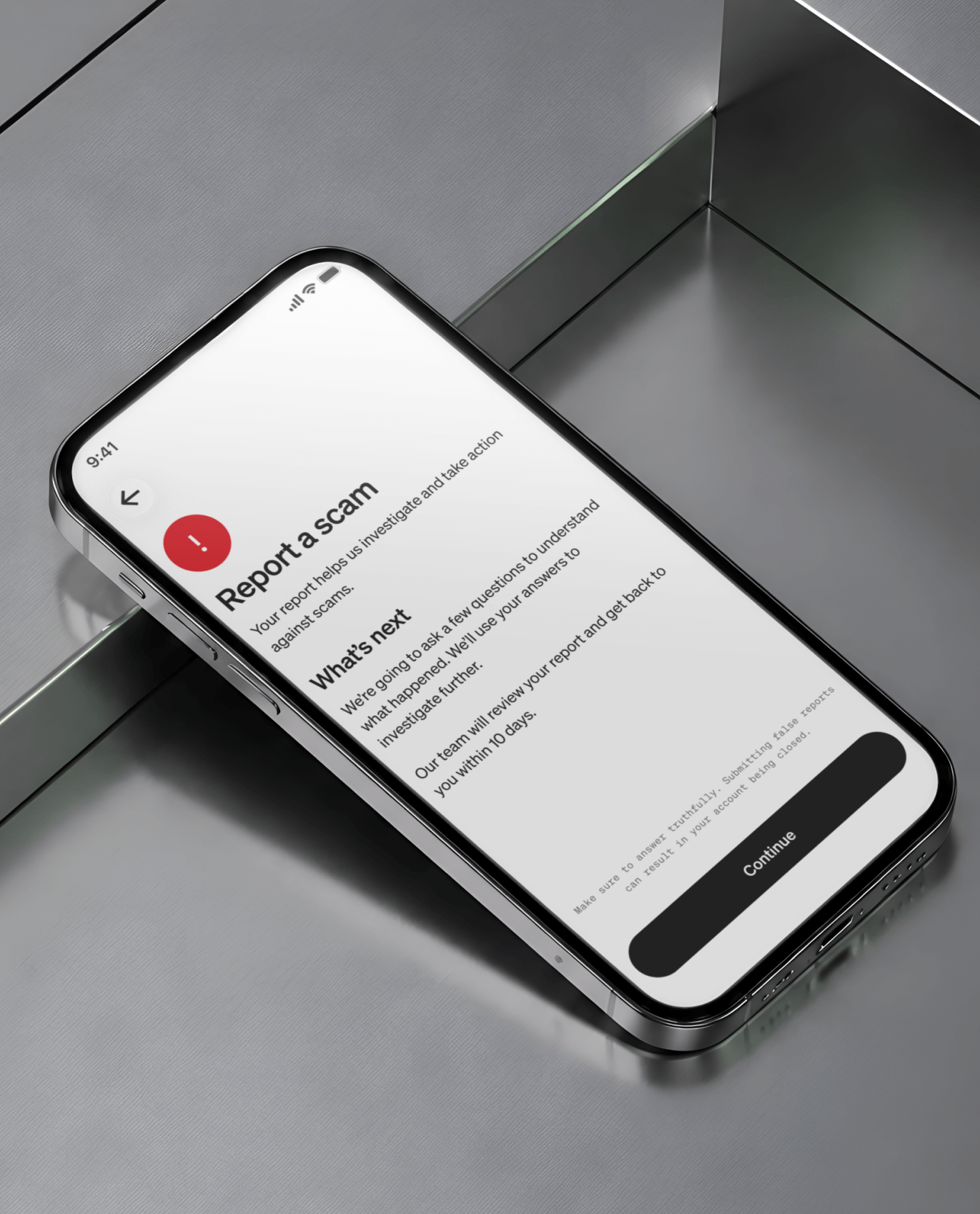
  4. File official reports. Report the scam to the FTC at reportfraud.ftc.gov and the FBI's Internet Crime Complaint Center. These reports feed national databases that help law enforcement identify and shut down scam operations.

The bottom line

Social media scams follow patterns. If you can spot the play (the urgency, the off-platform pivot, the payment-before-delivery ask), you can stop most of them before they start. If you've already sent money, the recovery steps above give you the clearest path forward. And if you want to add a layer of protection to your accounts, enable two-factor authentication and payment security features on every app you use, from your bank to your payment apps to your social media accounts. Cash App's real-time scam detection flags suspicious activity before the payment is sent. Learn more about how we help keep your money safe from fraud here.
Frequently asked questions

What are the most common social media scams?

How can I tell if someone is scamming me on social media?

What should I do if I got scammed on social media?

Can you get your money back after being scammed on social media?

How do I report a scam on Facebook, Instagram, or TikTok?